
Recommended hardware
What works with Trovette's built-in register. You don't need special hardware to start: a browser is enough.
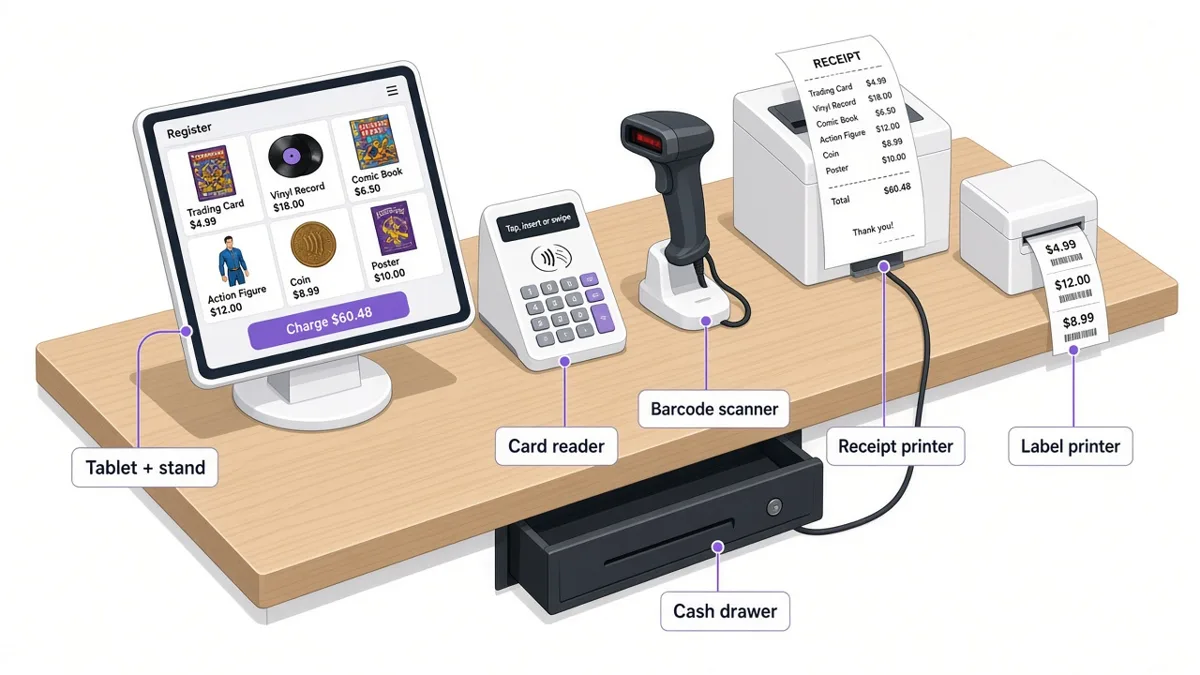
Card readers
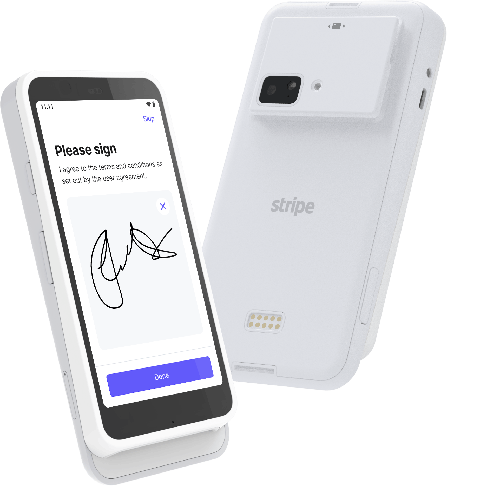
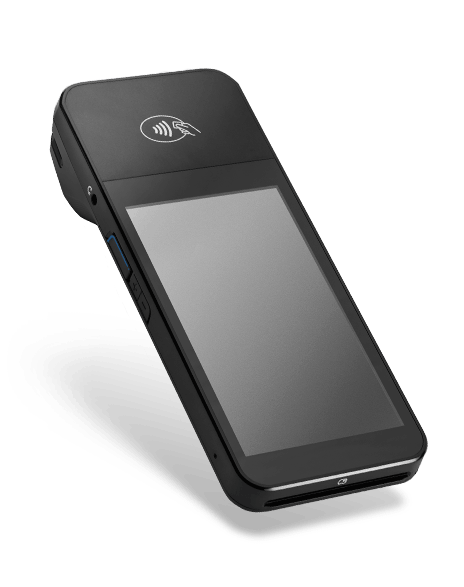
Internet-connected Stripe Terminal smart readers. Register them in your Stripe Dashboard (Terminal › Readers) and they show up on the register's Card screen. Other Stripe readers aren't supported yet.
Barcode scanners
- Any USB or Bluetooth scanner that works in keyboard (HID) mode
- Zebra scanners
- Honeywell scanners
No driver or setup in Trovette: if the scanner types into a text box, it works.
Label printers
- Zebra desktop label printers (ZPL), via Zebra Browser Print
- DYMO LabelWriter printers, via DYMO Connect for Desktop
- Rollo and other thermal label printers, via browser print
Set up your printer in Settings › Labels. Existing barcodes keep scanning.
Receipt printers
- Any 80mm thermal receipt printer
- Epson TM-m30
- Star TSP143
Receipts print through your browser's print dialog today. Direct printing is coming soon.
Cash drawers
- Printer-driven cash drawers (RJ11/RJ12 cable to the receipt printer)
Automatic drawer opening is coming with direct printing.
Tablets and computers
- iPad, 10" or larger, with a stand
- Android tablet, 10" or larger, with a stand
- Any computer running a current Chrome or Safari
Reader images © Stripe, used to describe Trovette's Stripe Terminal support. Other product names are trademarks of their owners; links go to each manufacturer's site. Trovette is not affiliated with or endorsed by them.
Not sure what to buy? Contact support.